
- Home
- WhatsApp Business API
WhatsApp Business API — never leave a message unanswered
Your customers message you on WhatsApp — don't let them get lost on one phone. Let your team reply from a shared inbox, a chatbot handle FAQs, and campaigns and bookings run automatically.
- Multiple agents on the same number at once
- No-code chatbot and flow builder
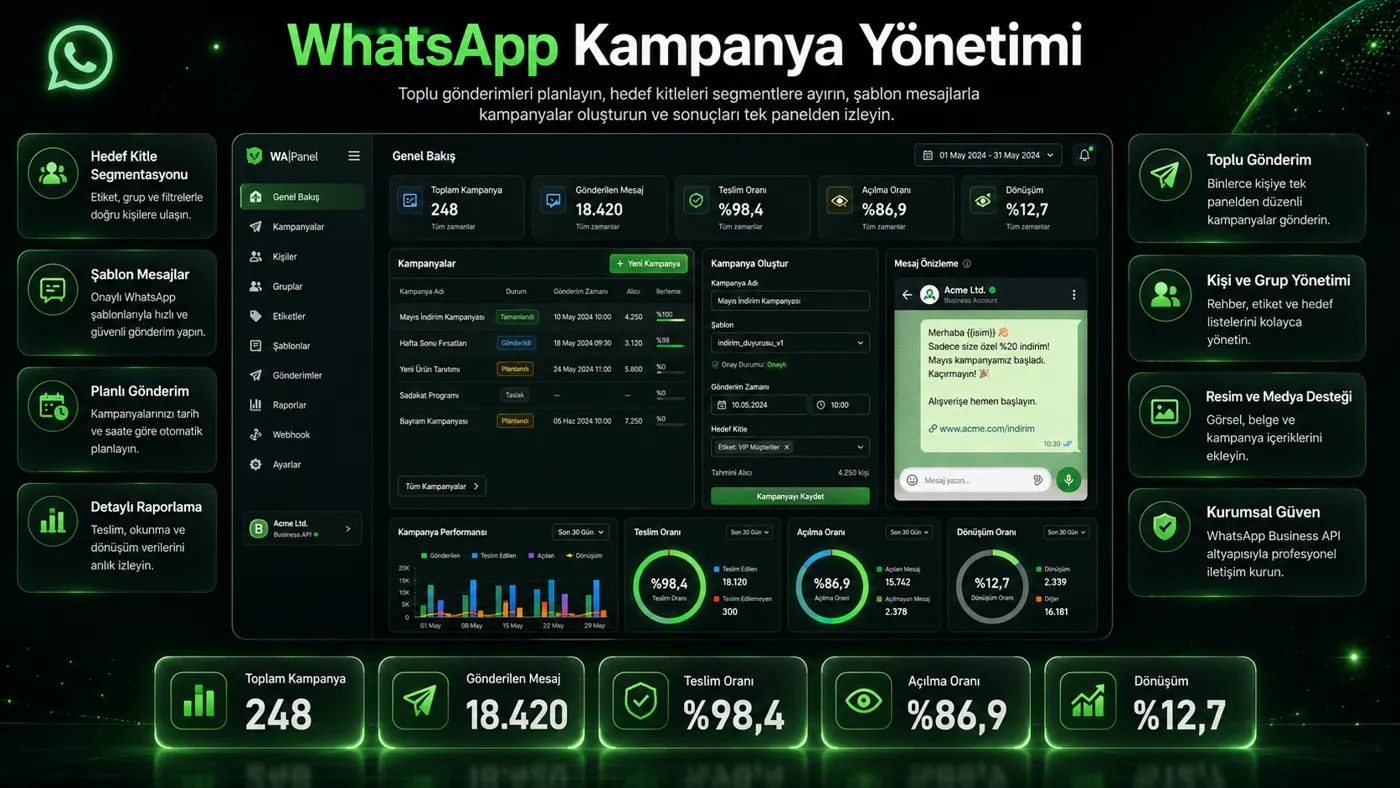
- Bulk notifications and campaigns with approved templates
- We handle setup and Meta approval
Turn WhatsApp into a sales and support channel
Shared inbox
Pool, assignment, handover, tags and canned replies; ownership is always clear.
No-code chatbot
Drag-and-drop flows and keyword triggers; hand off to an agent when needed.
Bulk campaigns
Segmented, personalized sends with delivered/read/replied stats.
Booking system
Service, staff, date and time selection; automatic confirmation and reminders.
Catalog & orders
Orders from your product catalog, status updates and shipping messages.
AI replies
AI answers common questions and suggests one-click drafts to agents.
PBX integration
WhatsApp and phone on the same customer card; WhatsApp calls join the queue.
Ads to WhatsApp
Chats from Meta click-to-WhatsApp ads are logged with their source.
Consent management
Consent records, block lists and opt-outs are handled automatically.
WhatsApp Business app or API?
| Feature | WhatsApp Business app | Nitelix + WhatsApp Business API |
|---|---|---|
| Users | One phone | Unlimited agents simultaneously |
| Logging & reports | None | All chats logged, performance reports |
| Chatbot | Simple greeting | Multi-step flows, booking, orders |
| Bulk messaging | 256-contact broadcast list | Segmented campaigns with approved templates |
| Integrations | None | PBX, CRM, e-commerce, API |
WhatsApp Business API — FAQ
What is the WhatsApp Business API and how is it different from the app?
The WhatsApp Business app runs on one phone and only that person sees messages. The WhatsApp Business API is Meta's enterprise interface: multiple agents answer the same number simultaneously, conversations are logged, and chatbots and bulk notifications run within Meta's rules.
Can I use my existing number?
Yes. You can connect your landline or existing mobile number. If the number is used in the app, it must be removed from the app before migration; we plan the process together.
Is bulk messaging considered spam?
Bulk sending via the API uses only Meta-approved templates and opted-in contacts. Opt-outs are removed automatically, keeping your number safe and KVKK-compliant.
How long does setup take?
Meta business verification and number registration usually take a few business days. We run this process and template approvals on your behalf.
Can WhatsApp calls connect to the PBX?
Yes. With WhatsApp Business Calling, WhatsApp voice calls enter your PBX IVR and queues and are recorded. This feature is offered under Meta's beta program.
Are Instagram messages in the same panel?
Yes. Instagram DMs land in the same shared inbox as WhatsApp; the team answers all channels from one screen.
Let's launch your WhatsApp channel this week
We'll handle Meta approval, number registration and your first flows together.